Tap. Grab. Go.
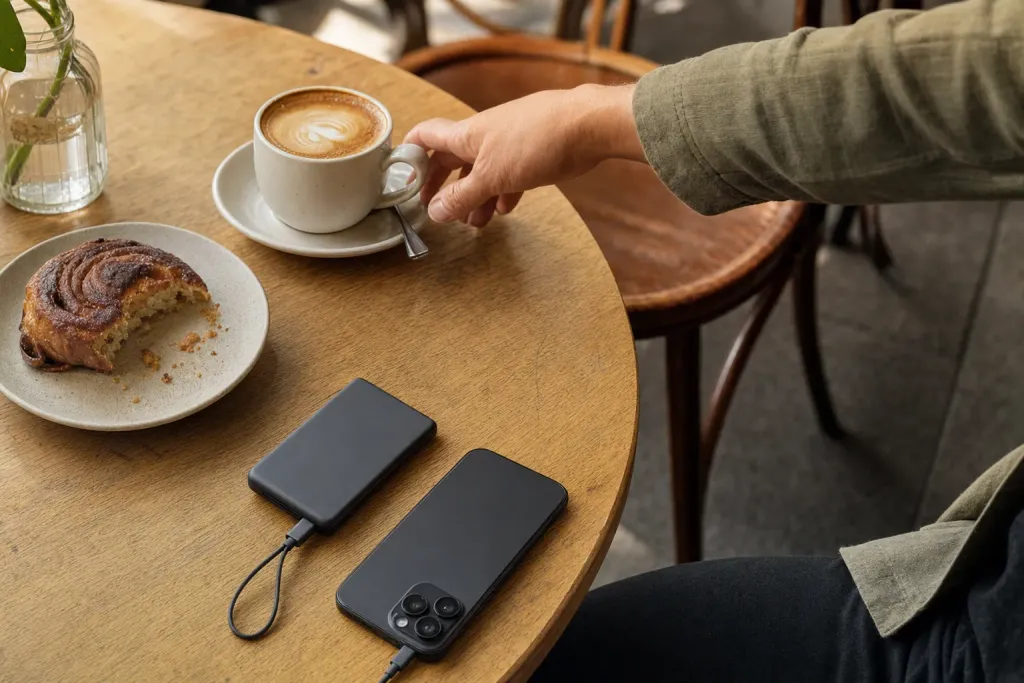
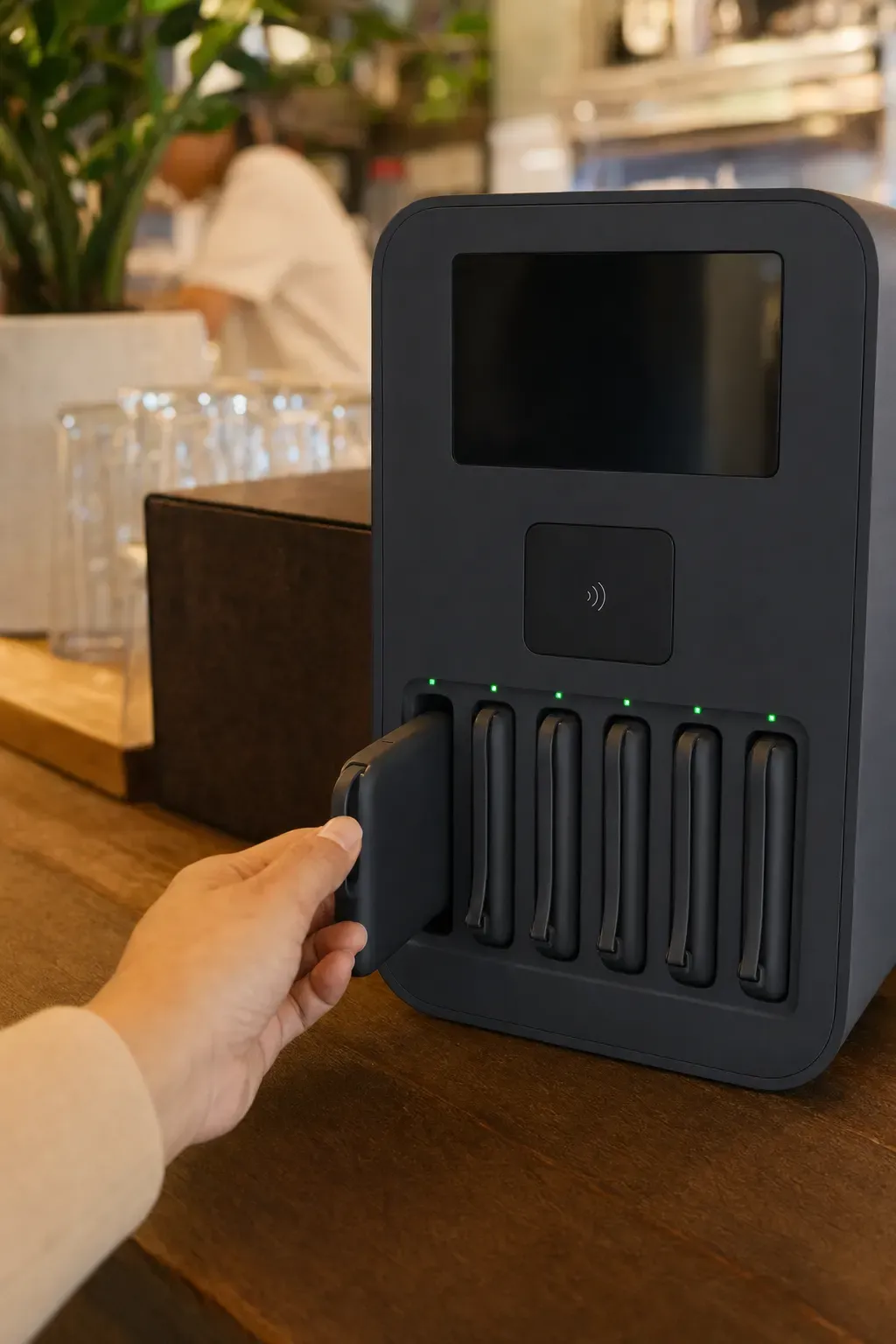
Phone dying? Rent a charged power bank from the station on the counter. No app, no QR code, no sign-up.
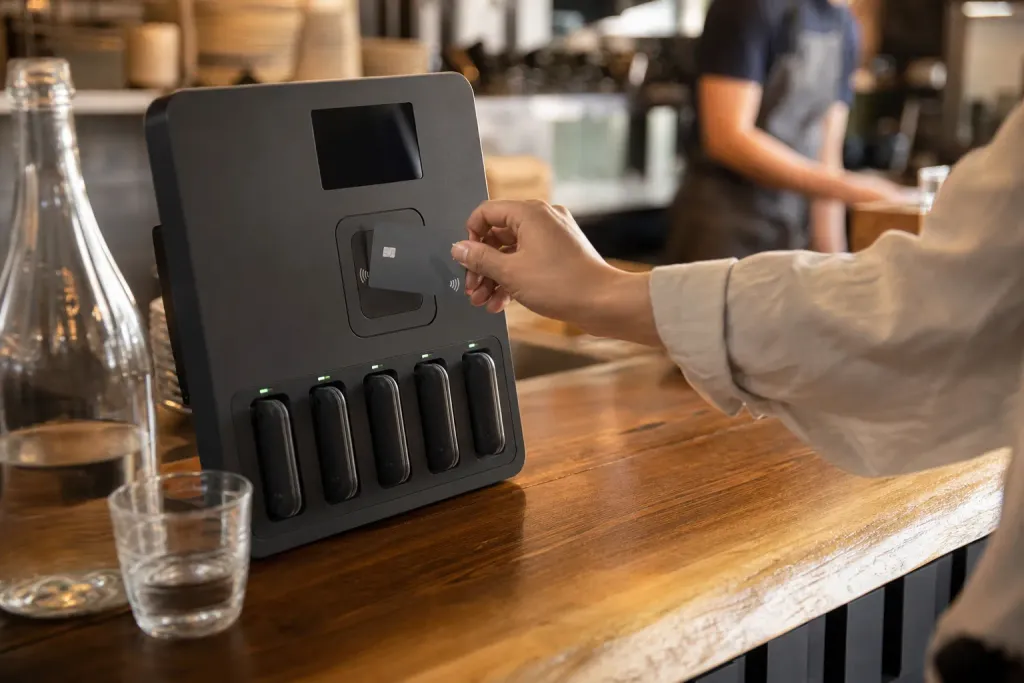
Tap.
Tap a card, Apple Pay or Google Pay on the reader. The screen shows the price before you pay: $4 per 30 min.
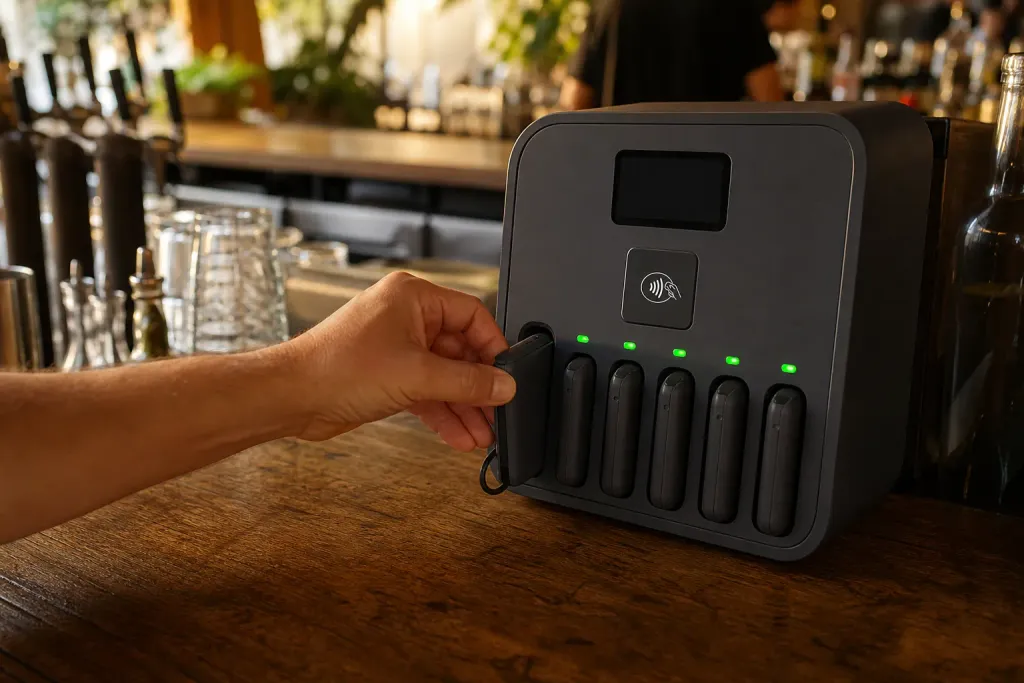
Grab.
The screen tells you which slot to use and its light pulses green. Take the bank from that slot.
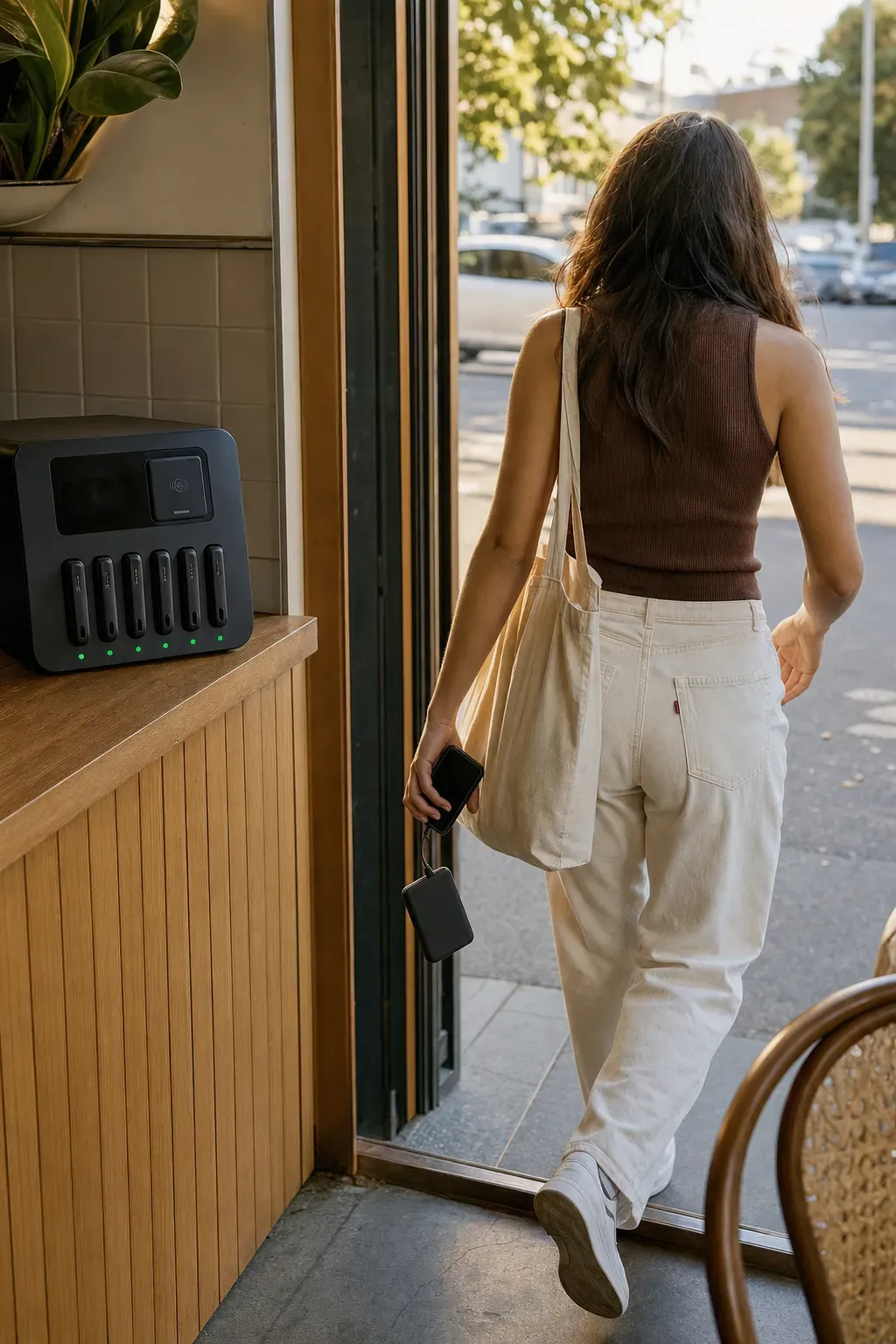
Go.
Plug in with the built-in cable and carry on. Stay at your table or take it with you.
Return it.
Slide the bank into an empty slot at any MaxCharge station within 48 hours. The rental ends when it clicks in.
Works with your phone.
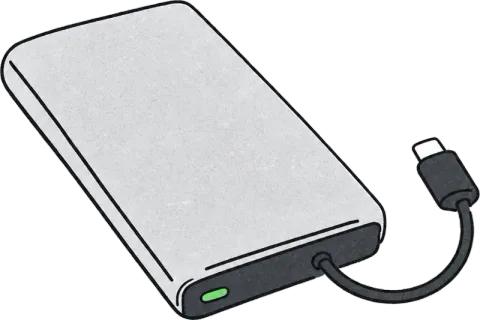
Every bank has all three cables built in. You don't need to bring anything.
- iPhone LightningiPhone 14 and earlier
- iPhone USB-CiPhone 15 and later
- Android USB-CMost Android phones
The short version.
per 30 minutes, billed as $2 per 15 minutes.
to return it to any MaxCharge station.
if you keep it past 48 hours. It's yours, and no time charges apply.
with a card, Apple Pay or Google Pay. No cash.
Phone dying? Find a station.
We're in trial with a handful of venues. See where to find us.